Turn Audio Into a Finished Video in 5 Controlled Steps
No camera. No confusing multi-layer video software. ScenoraEdits automatically segments your voiceover into scenes, lets you assign one image to each beat, adds smooth camera motion and subtitles, and exports an MP4 ready for YouTube.
Upload Your Voiceover Audio or Generate Narration
Every video begins with speech. Upload an MP3/WAV file from ElevenLabs or your microphone — or type your script and let our built-in neural TTS voice generator create crystal-clear narration. Whisper automatically detects natural breath pauses to slice your story into timed scene slots.
- Automatic Scene Segmentation: Natural cadence pauses split your narration into discrete 4–8 second visual beats.
- Word-Level Phonetic Alignment: Scene boundary timestamps match exact spoken syllables with zero guesswork.
- Multi-Language Neural Voiceover: Generate lifelike voices across 40+ accents and tones directly from text.
[00:00.00] "Deep beneath the Antarctic ice sheet..."
[00:05.20] <pause 0.6s> --> Scene 01 (5.2s)
[00:05.80] "A research outpost detected an unmapped seismic pulse..."
[00:12.40] <pause 0.7s> --> Scene 02 (6.6s)
Set Your Visual Style & Lock Character Consistency
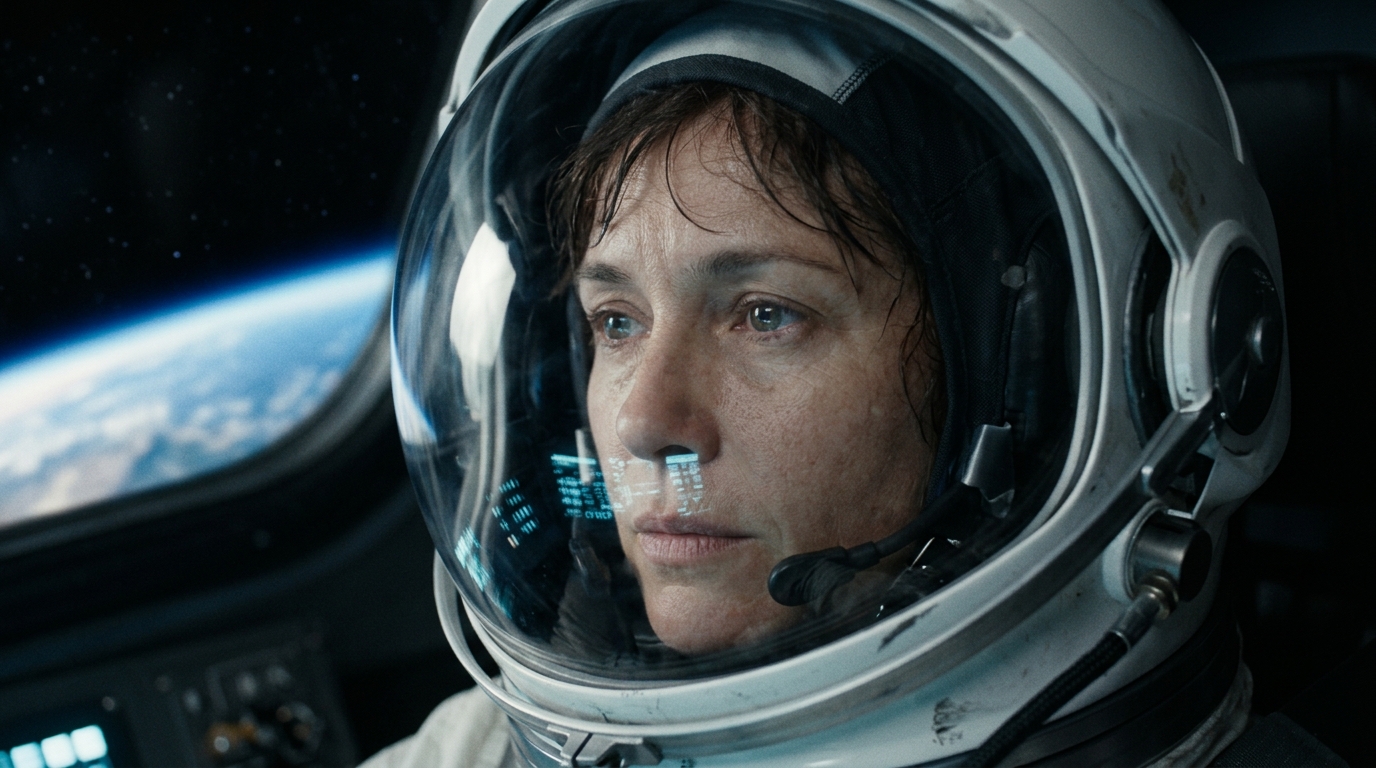
Before assigning images, Stage 2 establishes your project's Video Bible™. You pick an art style preset (Cinematic Film, Dark Fantasy, Cyberpunk Anime, 3D Render) and define recurring characters. By locking facial seeds and wardrobe anchors, your visuals stay consistent across 50+ scenes.
- Character Identity Pinning: Lock facial bone structure, hair, and age so your protagonist looks identical across all shots.
- Wardrobe & Prop Permanence: Uniforms, spacesuits, or medieval armor remain fixed throughout the narrative.
- Lighting & Lens Presets: Enforce 35mm anamorphic glass, volumetric fog, or golden hour warmth across every scene.
Assign One Image to Each Scene (Upload or AI)
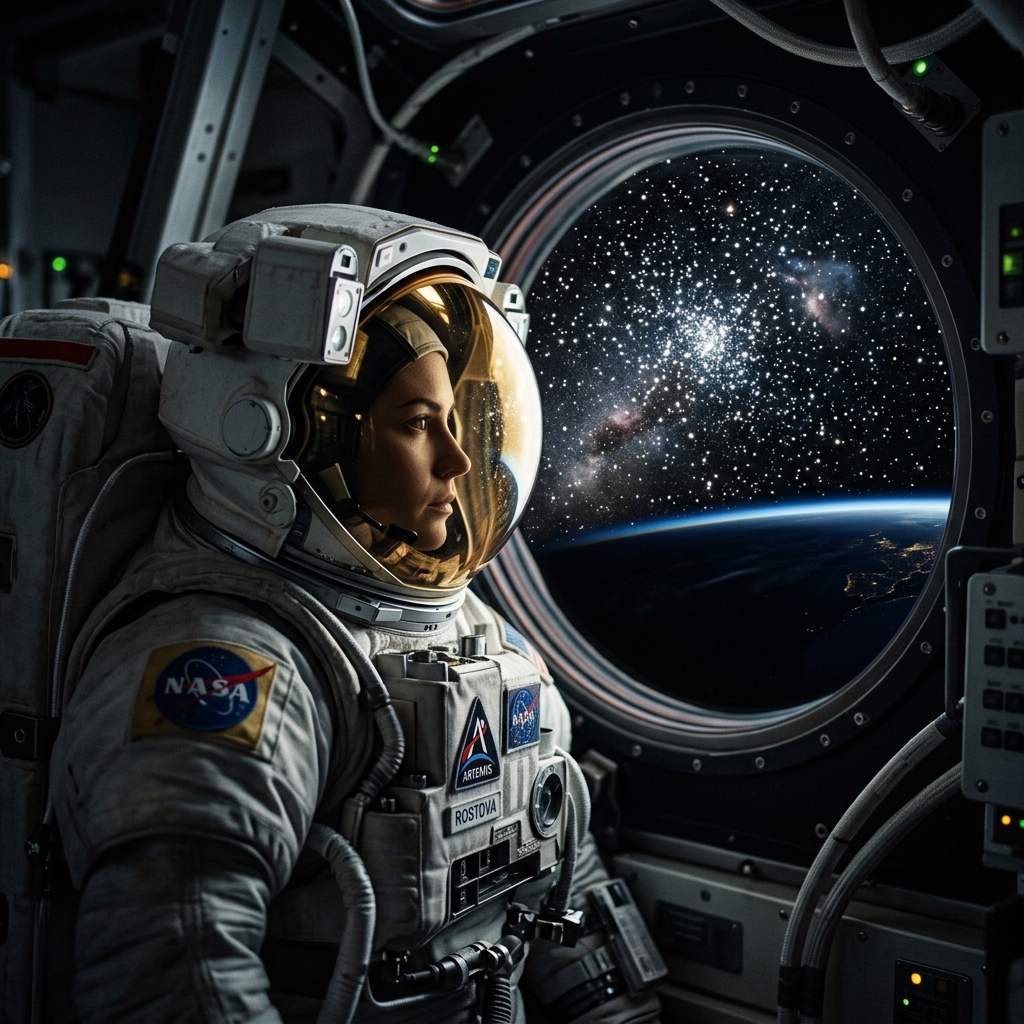
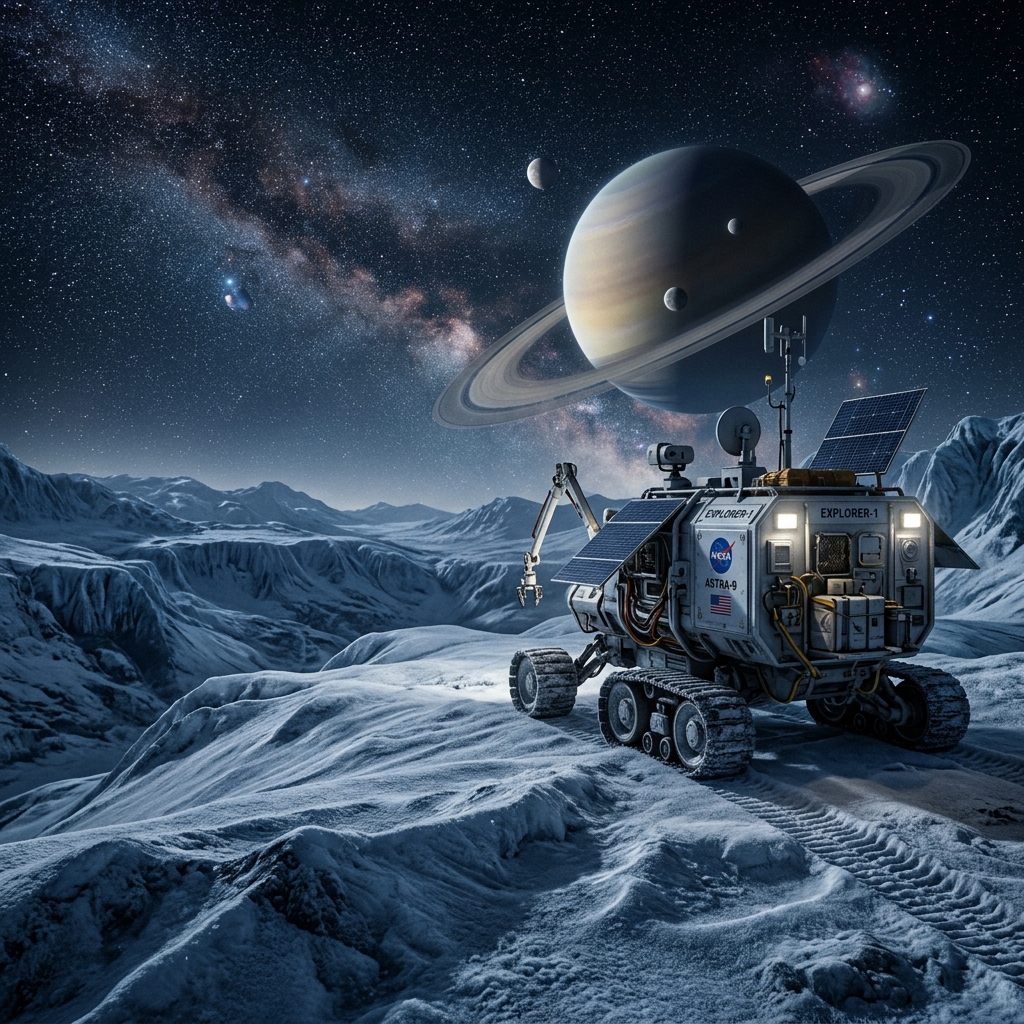
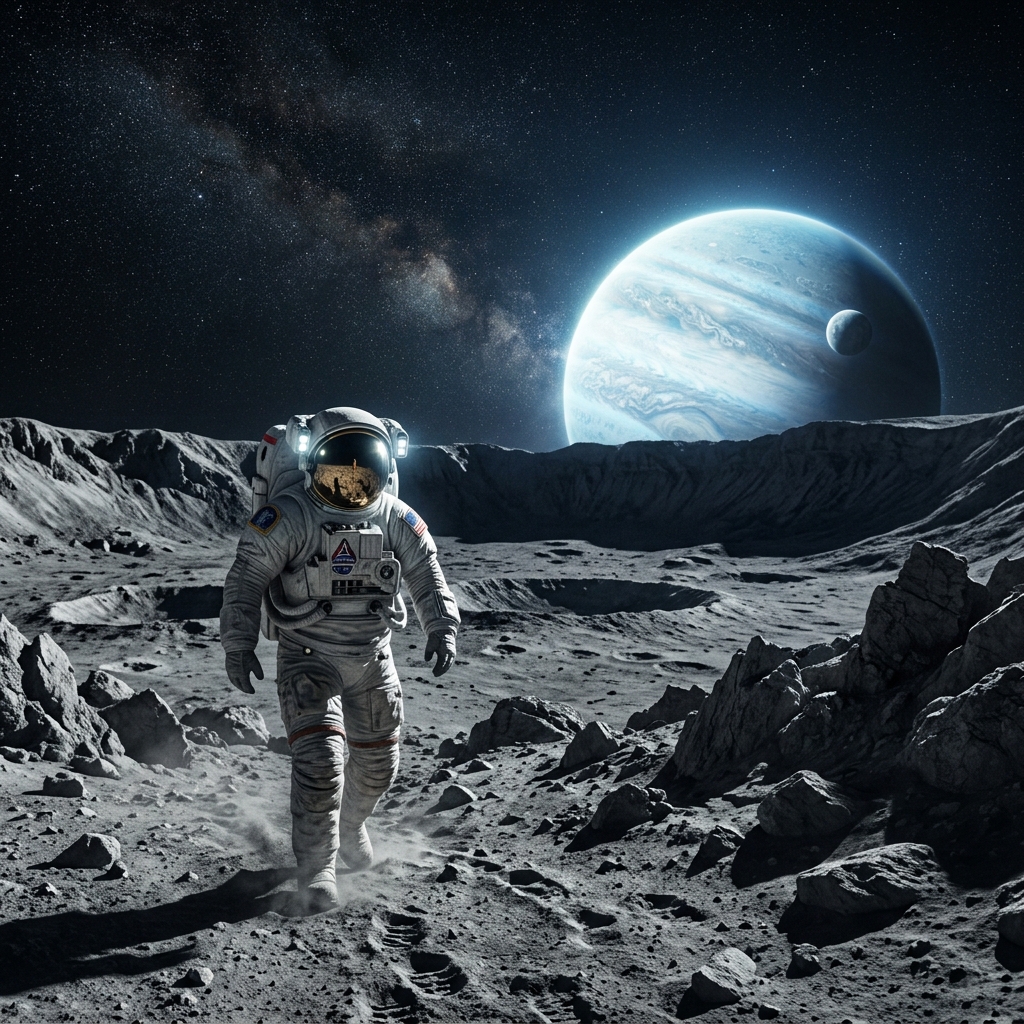
In Stage 3, each scene has its own dedicated card. You choose what shows up: upload your own custom artwork, generate a tailored image with AI using your own API key (or free built-in models), or pick from your project library. You can re-generate or replace any single scene in 1 click.
- Drop Custom Images: Upload Midjourney renders, photography, infographics, or slide decks directly onto each scene slot.
- In-Studio AI Generation: Synthesize visuals tailored to that exact line of dialogue with Video Bible consistency.
- 1-Click Single Scene Replace: Change any image anytime without re-rendering neighboring scenes.
Add Ken Burns Motion, Subtitles & Audio Ducking
Transform static visuals into a dynamic film. Apply Ken Burns camera zooms and pan directions per scene, enable kinetic subtitles (TikTok Bold with yellow word highlighting or Netflix clean style), and balance background music with automated speech-aware ducking.
- Ken Burns Camera Motion: Gentle zoom in, zoom out, or slow horizontal pans give still images life.
- Kinetic Subtitle Presets: Animated word-by-word highlights boost viewer watch time by up to 40%.
- Automatic Music Ducking: Soundtrack lowers -14dB automatically when speech begins, with zero manual keyframes.
Export Multi-Format Video Ready for YouTube
Preview your full composition, then click Export. Our deterministic FFmpeg pipeline renders Full HD 1080p MP4, fast 720p draft, WebM, and standalone MP3 audio with verified zero audio-video drift. Downloads include 100% commercial ownership rights and zero watermarks.
- 1-Click Multi-Aspect Switch: Render in 16:9 Landscape for YouTube or 9:16 Vertical for Shorts and TikTok.
- Multi-Deliverable Package: Get MP4 1080p, WebM, 320kbps MP3 audio cut, and 6s teaser GIF in one pass.
- 100% Commercial Monetization: Zero watermarks. Full copyright ownership granted to creator.
Where Does Your Production Time Go?
Compare the hours required by traditional fragmented workflows against ScenoraEdits.
8 to 14 Hours per Video
- Hunting stock clips across 3 subscription libraries (3.5 hours)
- Prompting random AI tools with mismatched faces (4.0 hours)
- Manual audio slicing and keyframing volume curves (2.5 hours)
- Subtitle synchronization and re-rendering mistakes (2.5 hours)
Under 35 Minutes per Video
- Stage 1: Automatic speech parsing & scene slicing (~2 mins)
- Stage 2: Video Bible™ character & style locking (~5 mins)
- Stage 3: Assign images per scene via upload or BYOK AI (~15 mins)
- Stage 4: Ken Burns motion, subtitles & audio ducking (~5 mins)
- Stage 5: 1-click multi-format 1080p export (~3 mins render)
Frequently Asked Questions
Common questions about the 5-stage production pipeline and video rendering.
You can upload MP3, WAV, M4A, FLAC, and OGG files up to 200MB. If you don't have recorded audio, you can type or paste a script in Stage 1 and generate neural narration with built-in TTS.
Ready to Build Your Video in 5 Steps?
Upload your voiceover or paste a script to experience scene-by-scene composition today. Free to start, zero watermarks.